
How to import files (Pro Account)
How to get your team ID
Go to the import tab
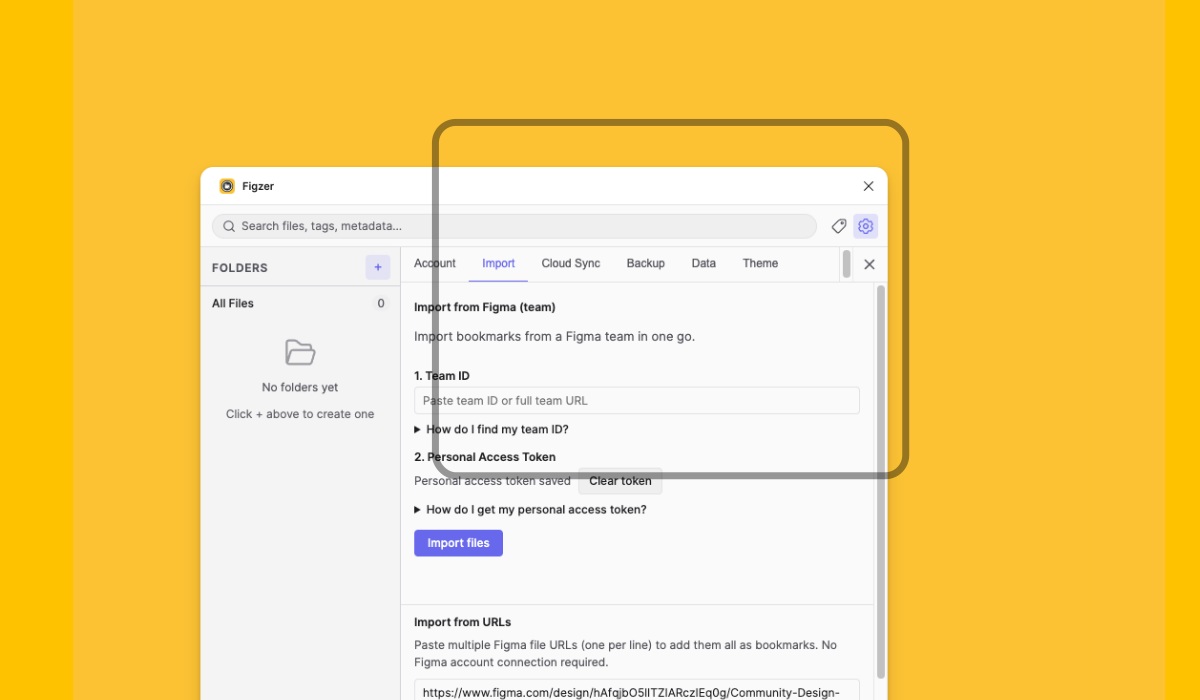
Click on the import tab and look for the import from Figma (team) section.
Go to your Figma file
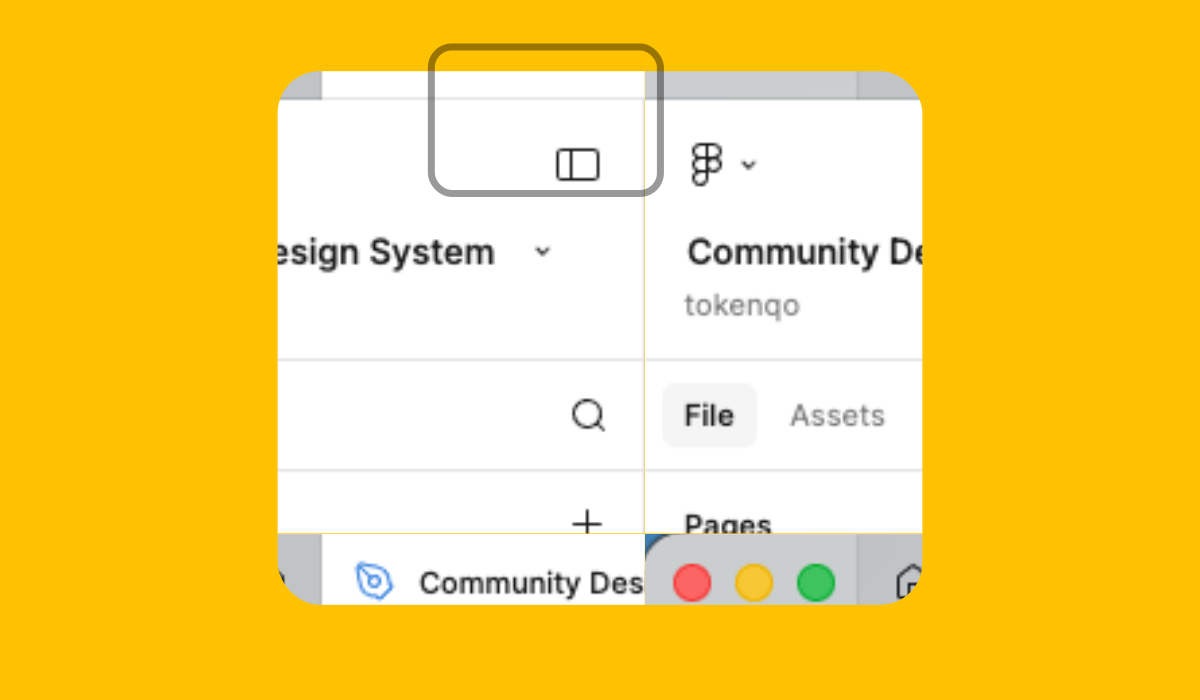
Go to your Figma file and click on the home icon (Top left corner).
Click on your team name
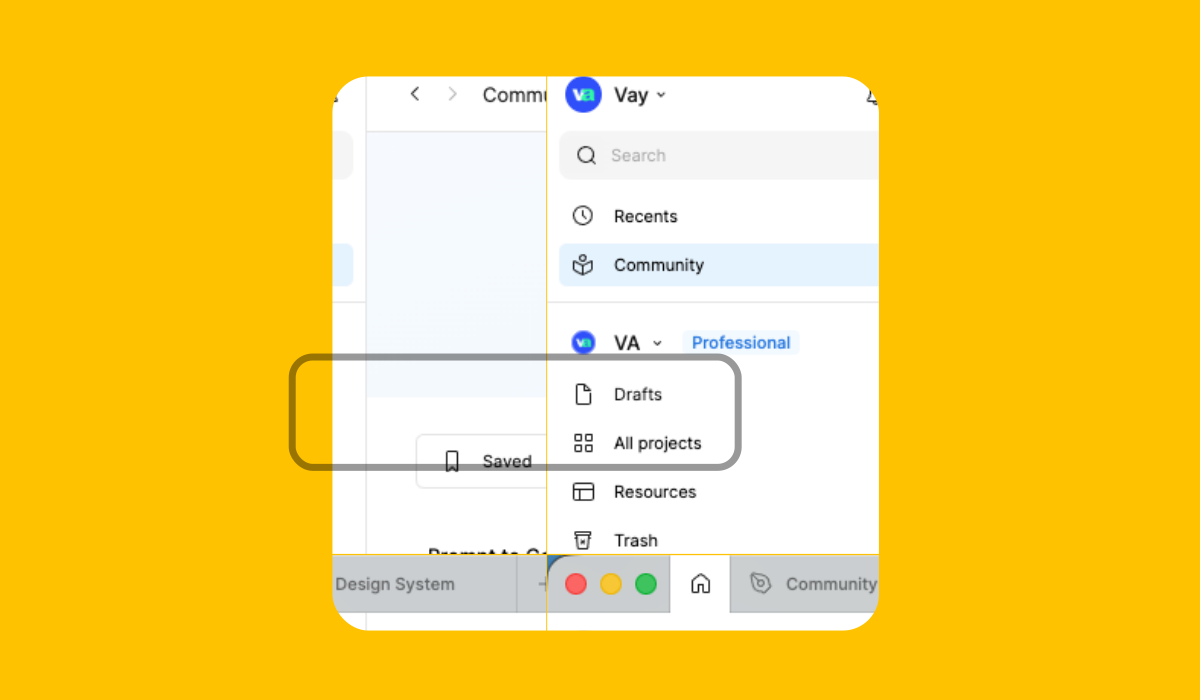
Click on the team name you want to import from and open the dropdown menu.
Open your team's page
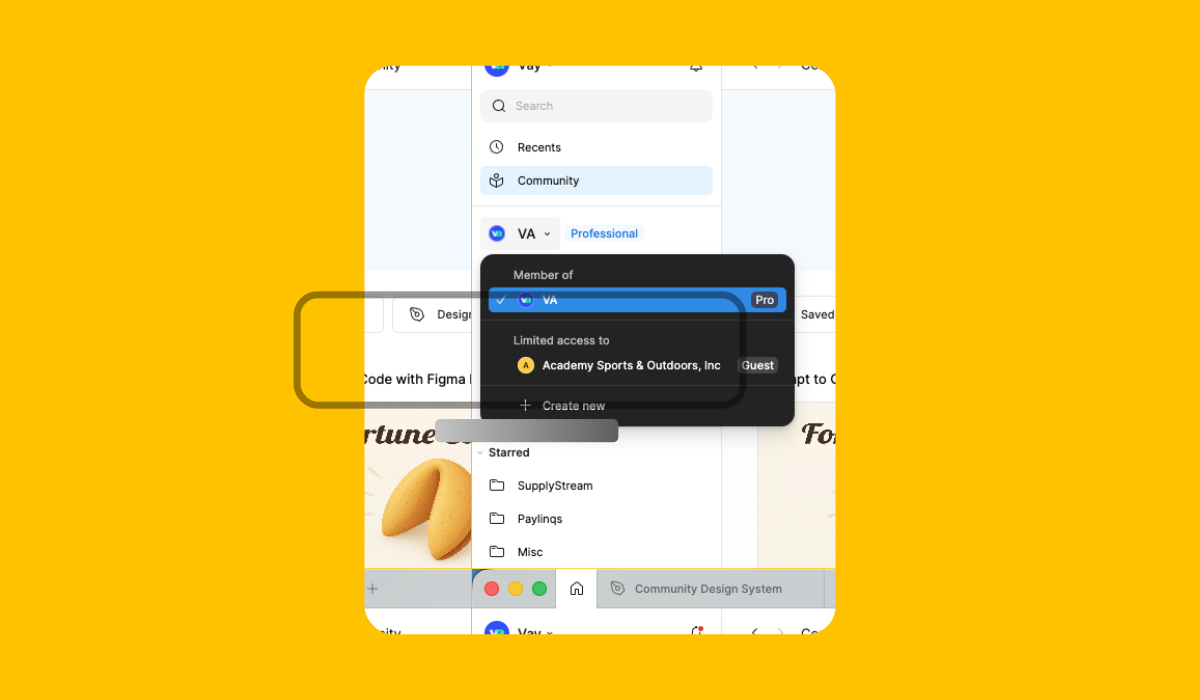
Click on your team's name inside the dropdown menu.
Copy team's link
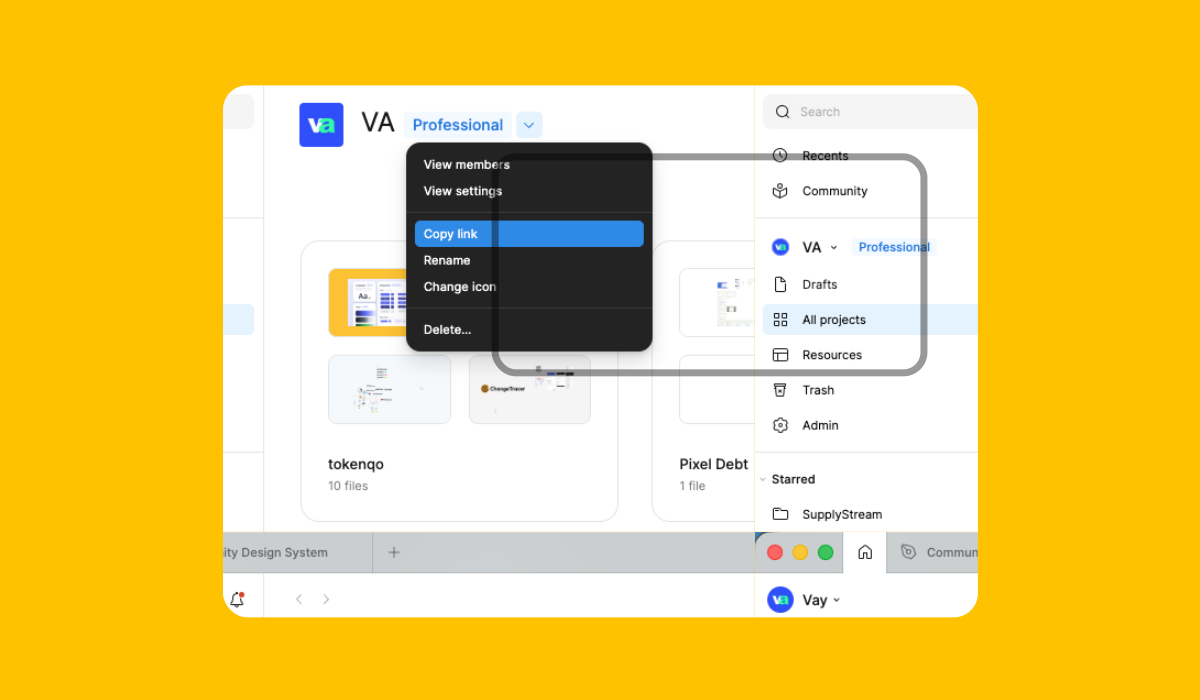
Click on the dropdown inside your team's page and copy the link
Paste the link
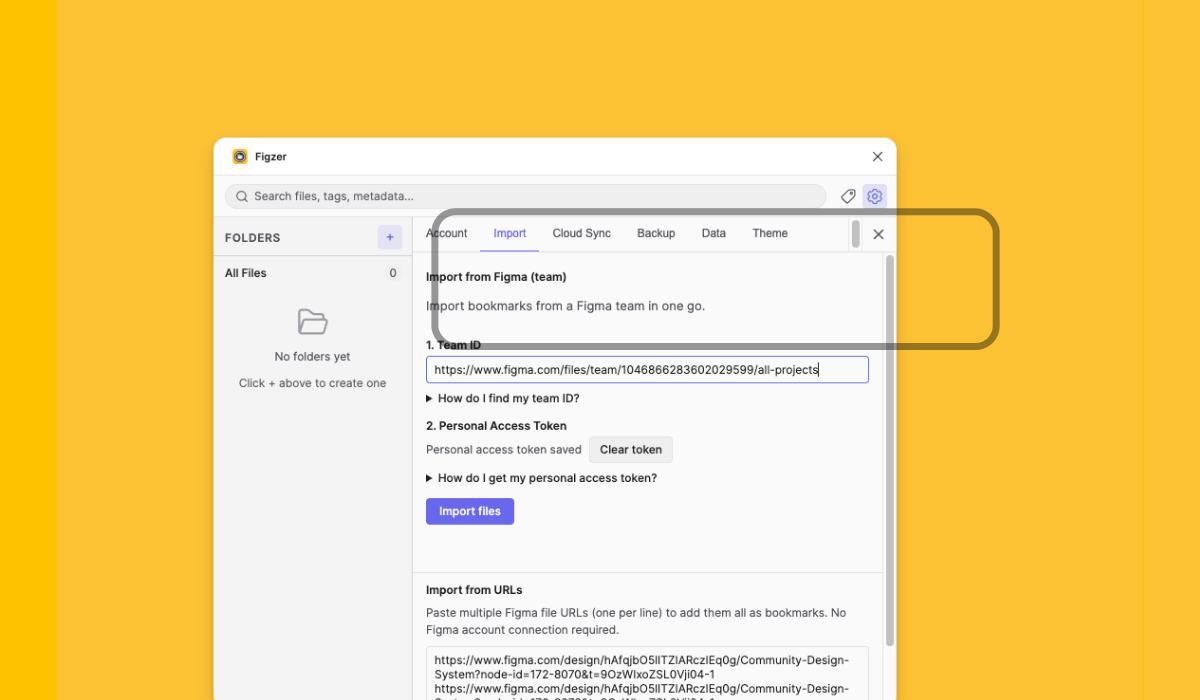
Go back to Figzer and paste the link in the Team ID field and click import files.
How to create a personal access token
Go to the import tab
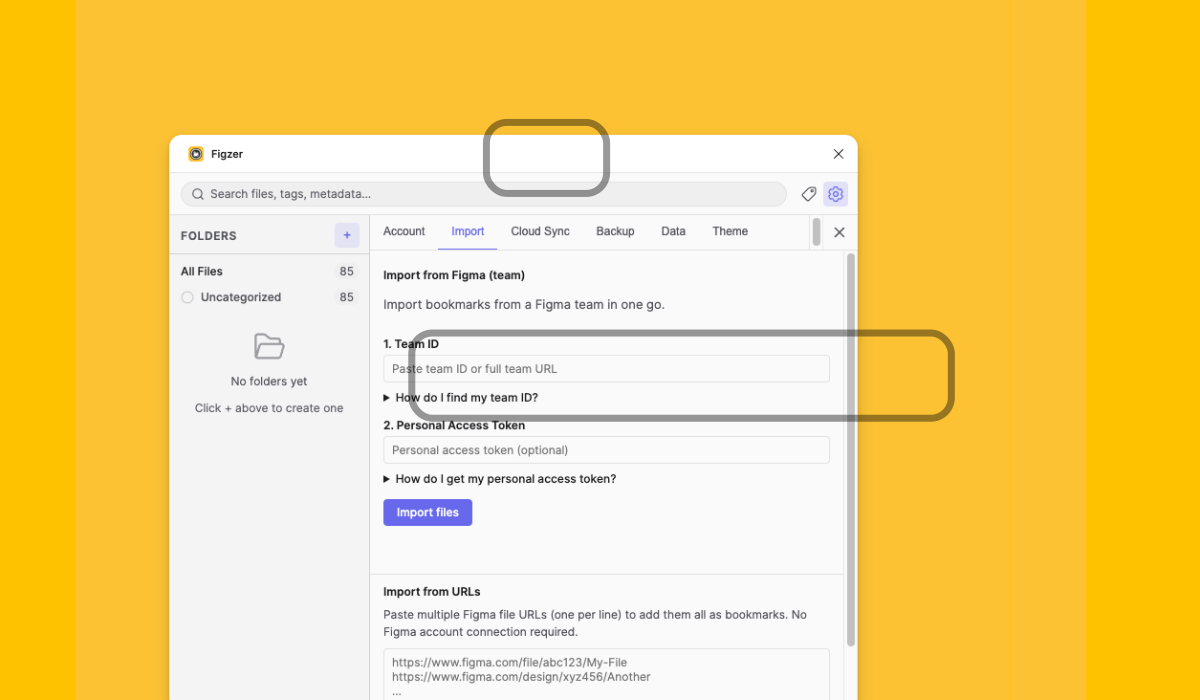
Click on the import tab and look for the import from Figma (team) section and personal access token.
Go to your Figma file
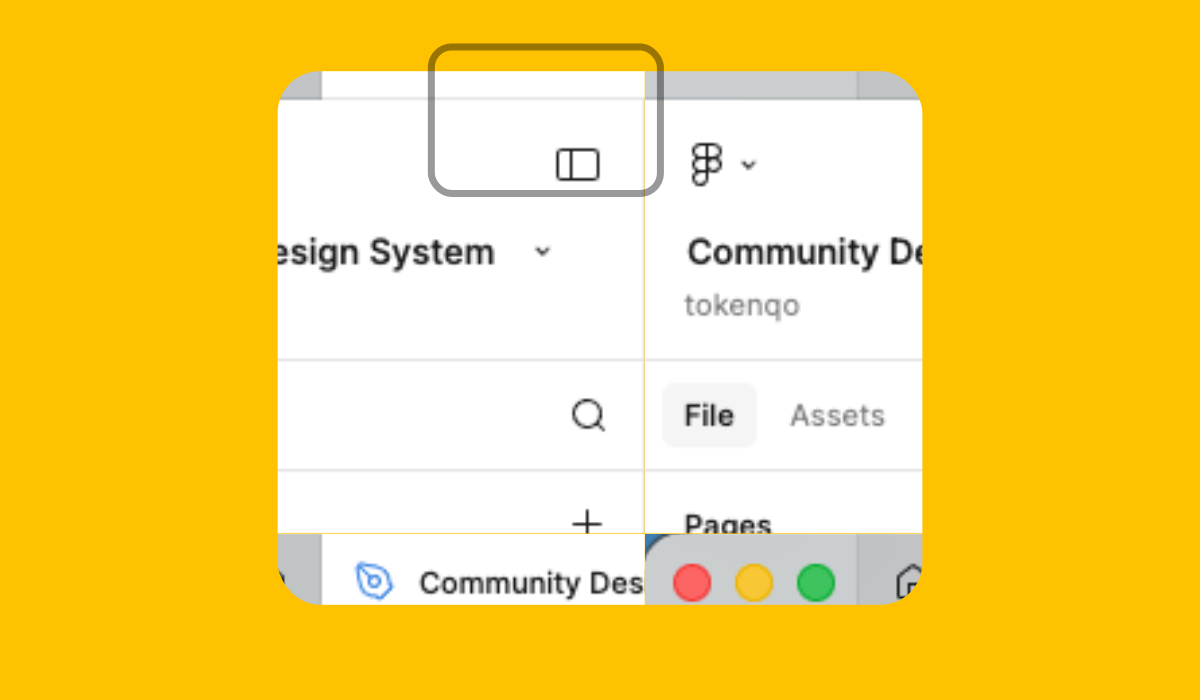
Go to your Figma file and click on the home icon (Top left corner).
Click on settings
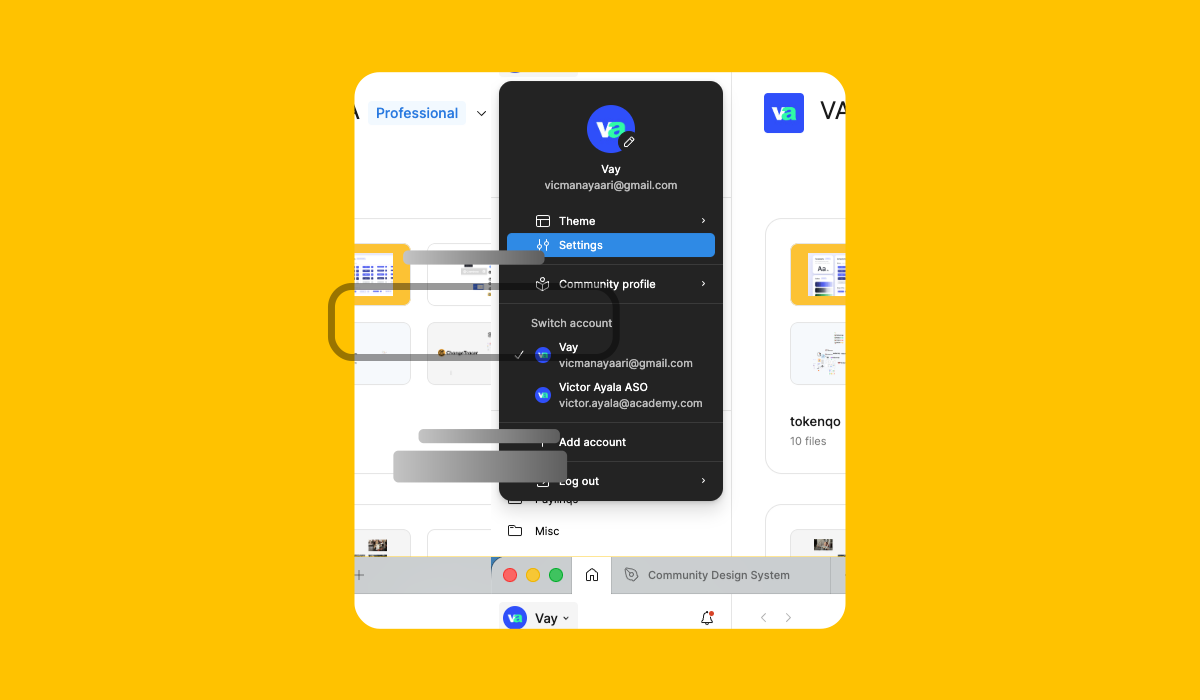
Click on your username, open the dropdown menu and click on settings.
Generate new token
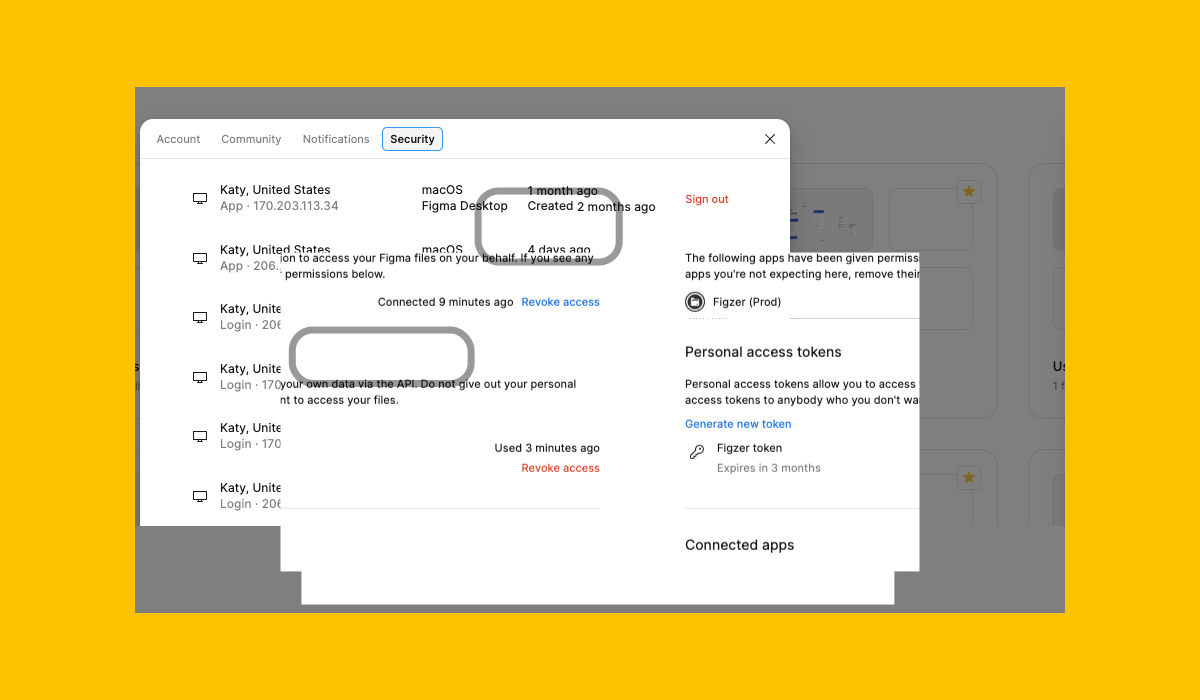
Select the Security tab and click on Generate new token.
Token name and expiration
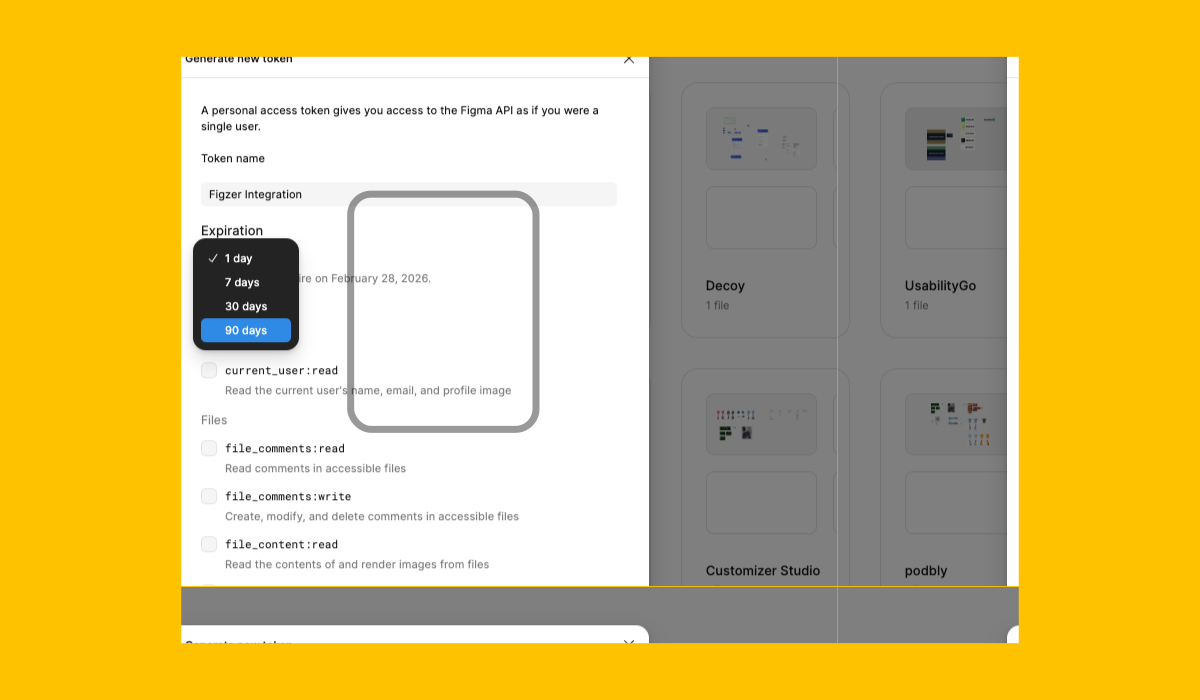
Enter a name for your token and select an expiration period. (The plugin will notify you when the token is about to expire.)
Select scopes
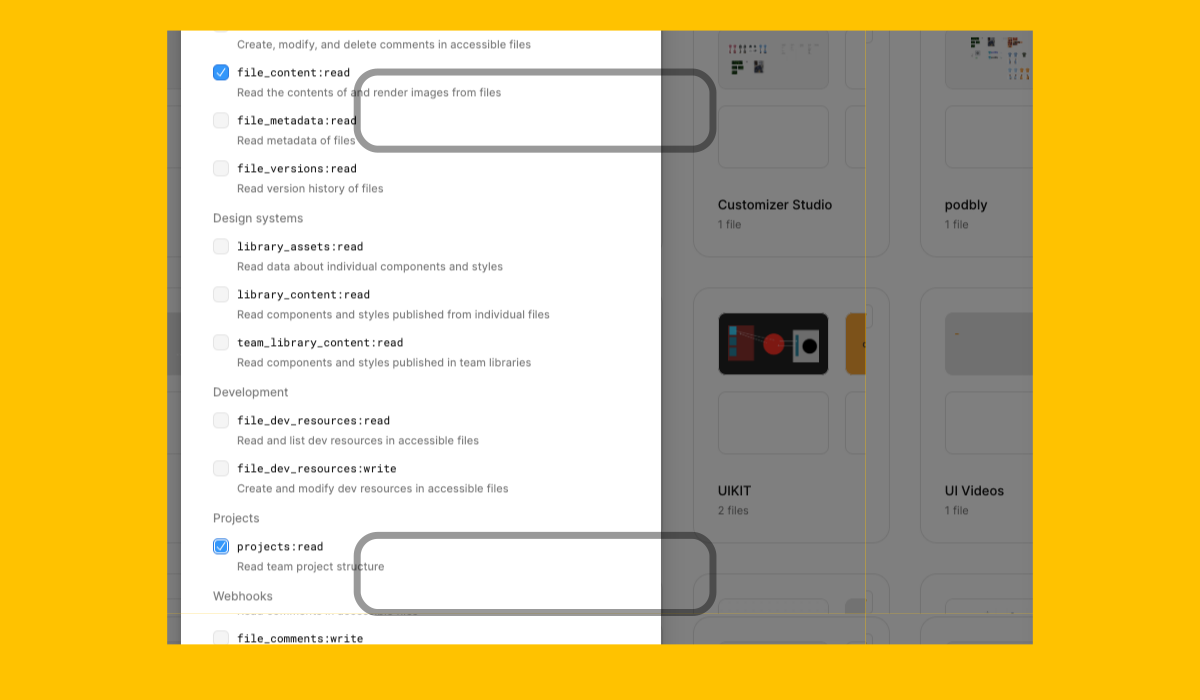
Scroll down and select the file_content:read, and the projects:read scopes.
Copy the token
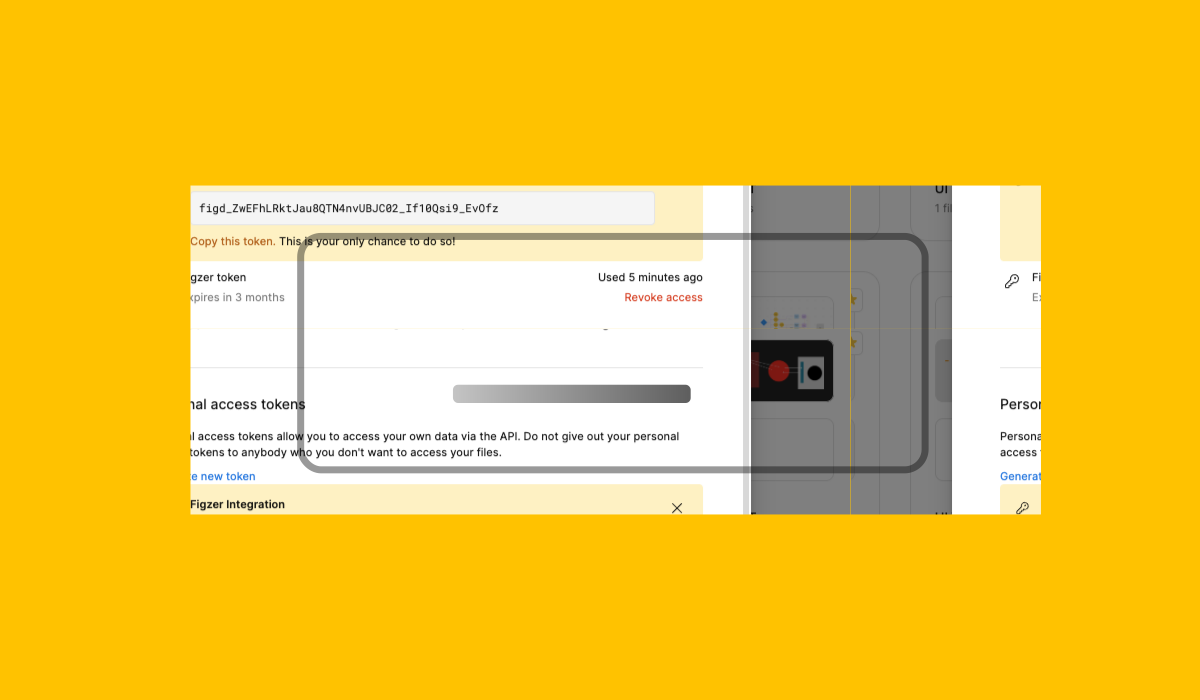
Copy the token by clicking on the copy button.
Paste the token
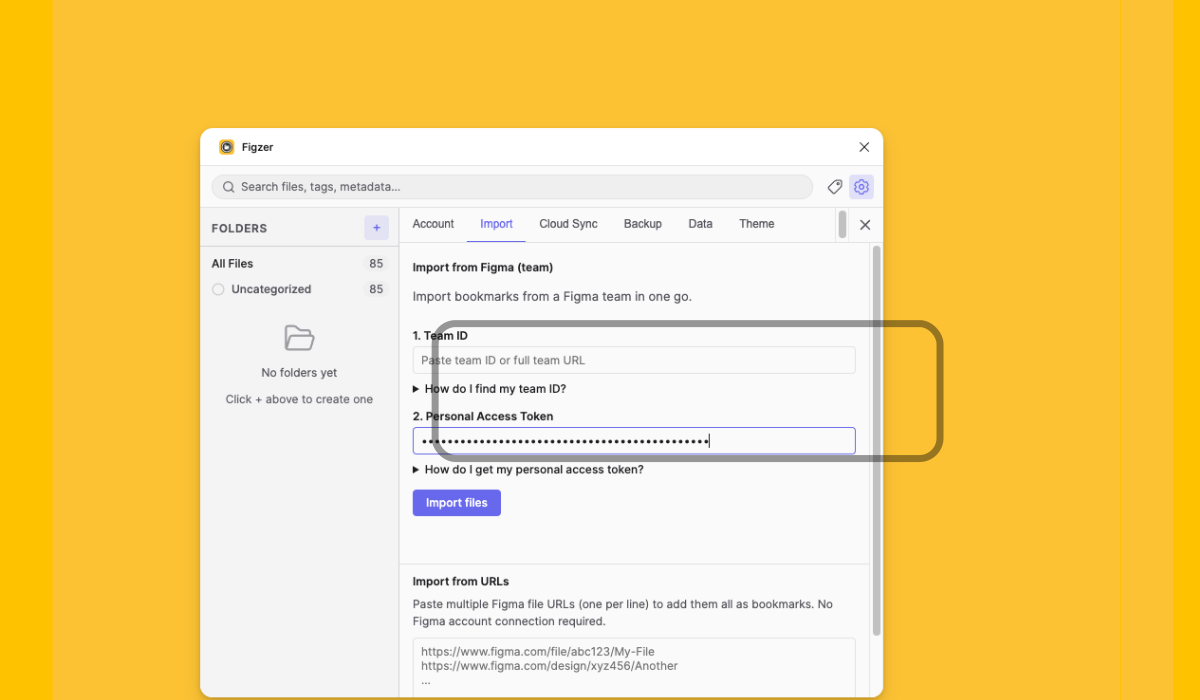
Go back to Figzer and paste the token in the Personal access token field and click import files.