
How to import files (Free Account)
Created: 2025-02-24Updated: 2025-02-24
Go to the import tab
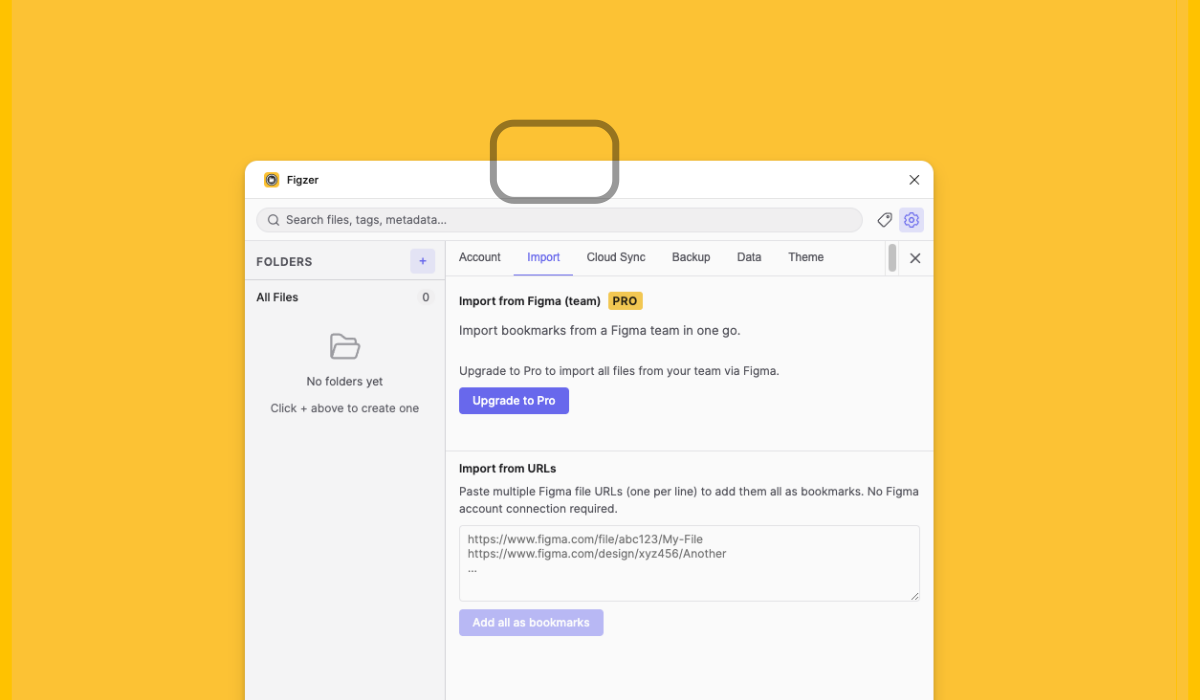
Click on the import tab and look for the import from URLs section.
Go to your Figma file
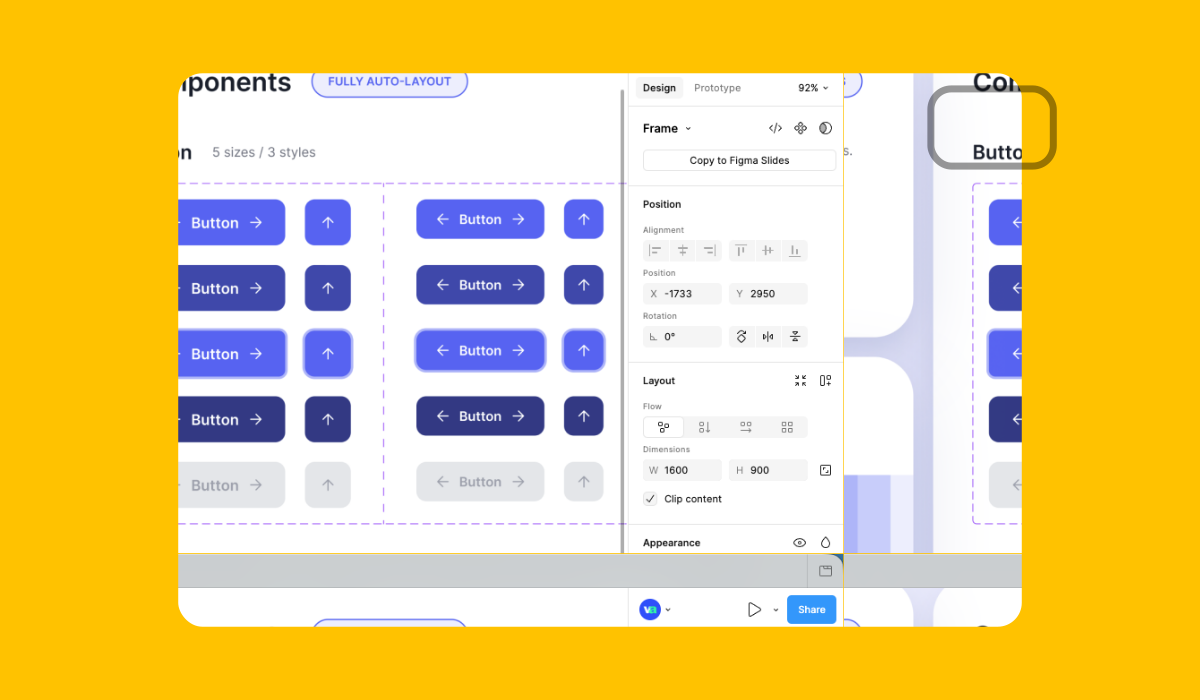
Go to your Figma file and click on the share button (Top right corner).
Copy Figma file link
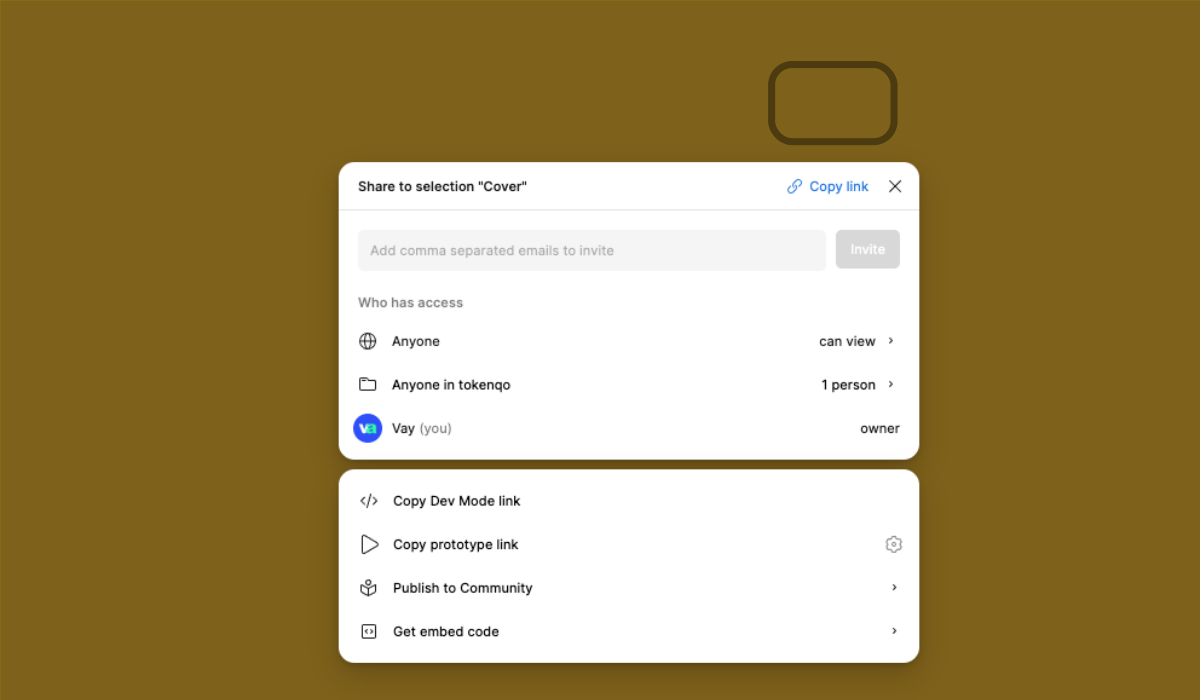
An overlay will open. Click on the copy link button.
Paste the link
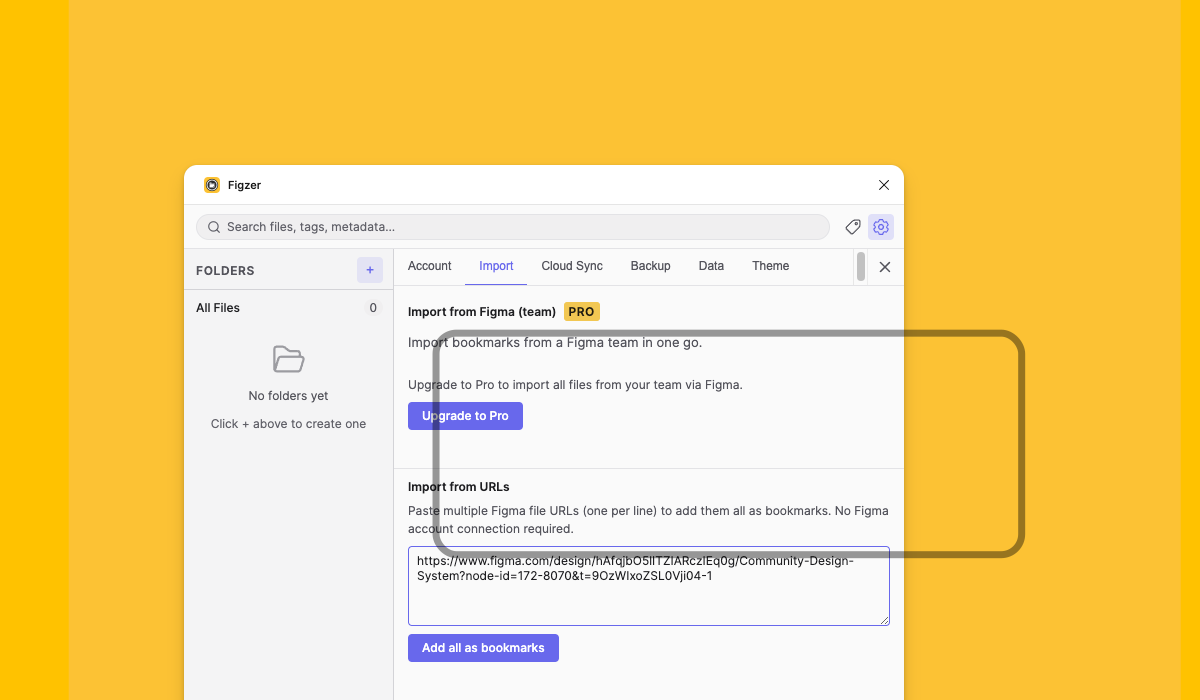
Paste the link in the import from URLs section and click add all as bookmarks.
Bulk import
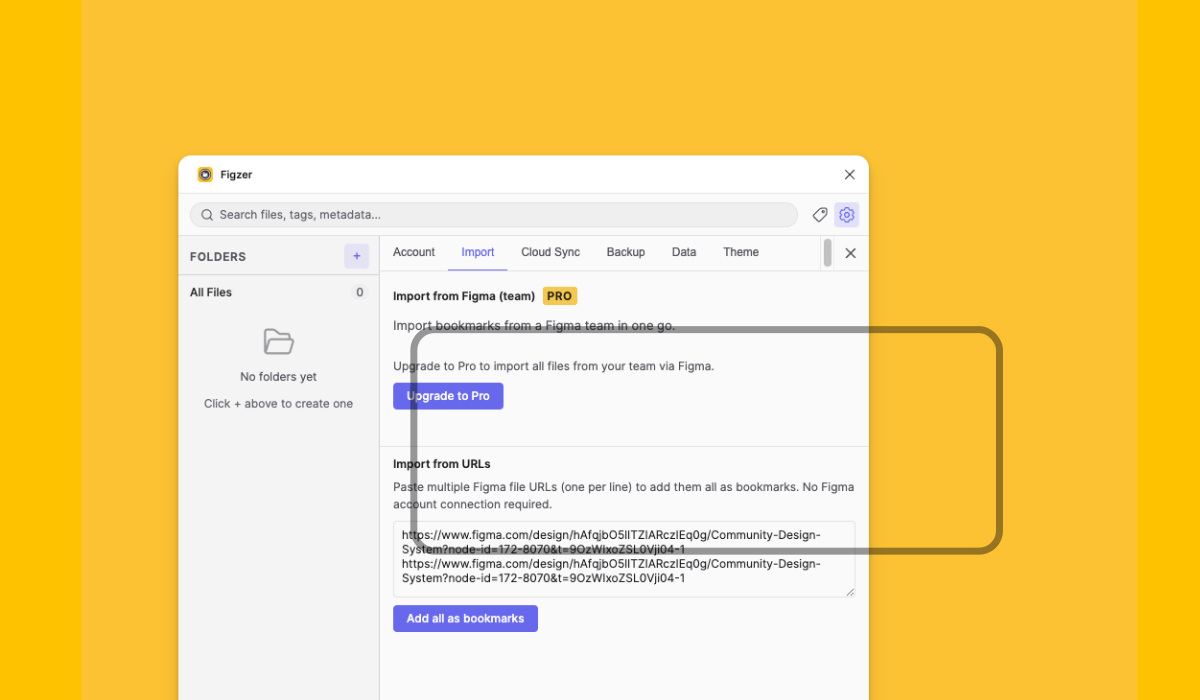
You can add multiple links at once by pasting them in the import from URLs section and clicking add all as bookmarks.